Photograph a Cat at Home in Natural Light
Use an ordinary window, a simple background, and your cat’s normal resting places to make relaxed portraits.
8 min read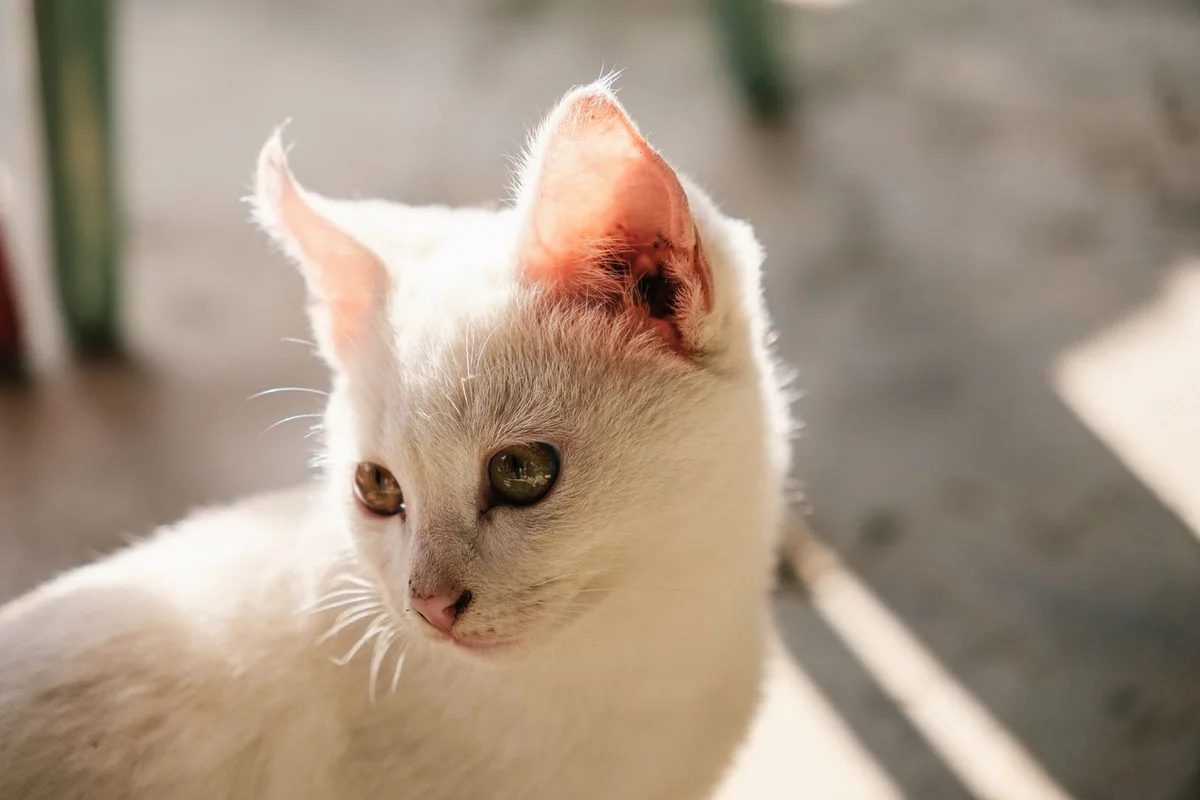
A good photograph can begin with a cat doing almost nothing. A stripe of afternoon light reveals the texture of their fur while the wall behind them falls into shade. They turn their head toward a familiar voice for an instant, and the shape of the face is suddenly clear. The useful work happened before the turn. Someone noticed the light, found a place to sit, and waited where the cat could move normally.
You can make this kind of picture with a phone or a camera. Choose a spot the cat already uses and look at it at different hours. A favorite chair might be too dim in the morning and bright enough after lunch. A window that looks harsh in direct sun may become a large soft light when clouds cross. Work with the room as it is before bringing in anything new. You may find everything you need in the angle between a window, a quiet seat, and a plain wall.
Look for where the light spreads
Stand near the window and turn your palm slowly. If the palm goes from bright to dark across a hard line, you have direct sun. Move back a step or wait for the light to soften. A translucent curtain can spread the light if it is safely installed and doesn't present a cord or loop the cat can reach. A cloudy day already gives a similar effect, with softer transitions between the lit and shaded side of the face.
A window to one side often gives a portrait enough texture to show the eyes and whiskers without washing out the lighter fur. Try standing where the cat's nose would face slightly toward the glass. Look for a bright reflection in the nearer eye. The reflection can be small and still give the eye detail. If both eyes fall into shadow, move your position or wait for the cat to look into the room. There is no need to turn their head by hand.
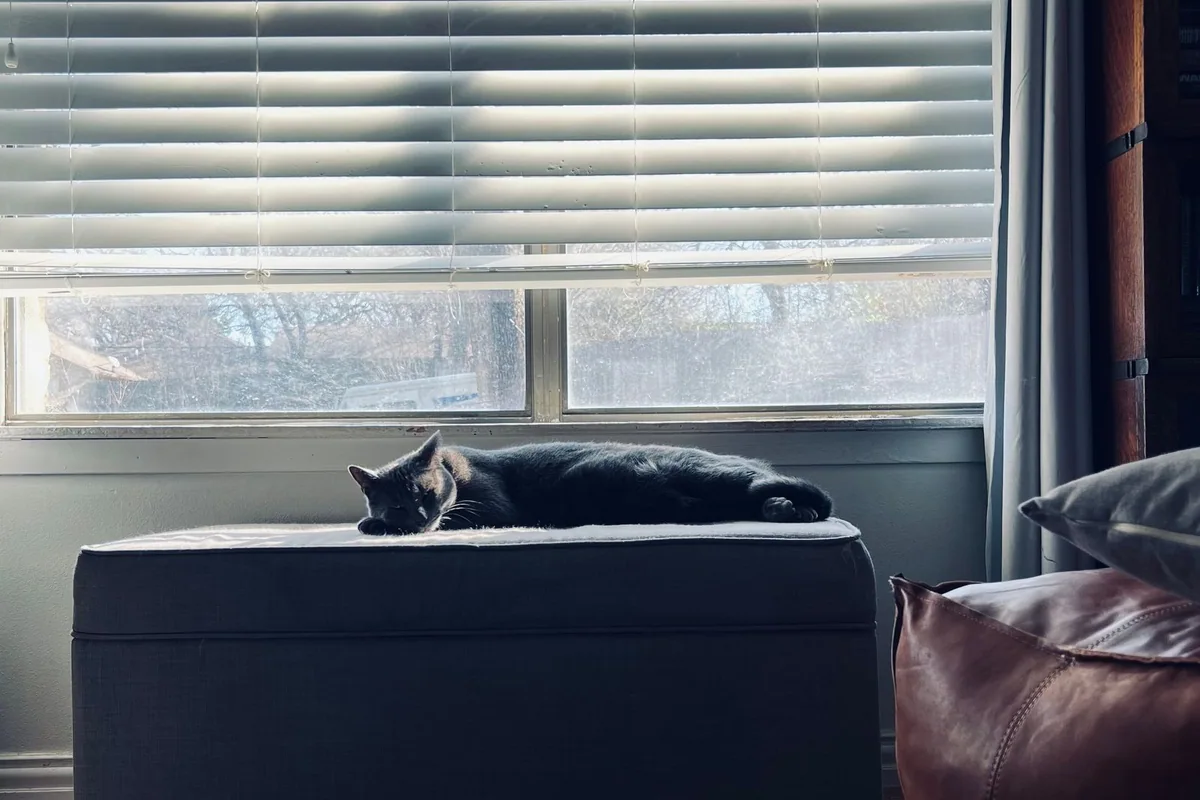
A backlit picture works in a different way. When the window is behind the cat, the camera may make the fur dark in order to preserve the bright glass. That can be useful if the outline is what you want. For a face with more detail, move to a side angle, or adjust exposure after tapping on the cat's face on a phone. Watch the brightest areas. Saving some detail around the window may be less important than keeping the shape of the cat's features, but a large white rectangle can pull attention away from both.
Check the photograph in black and white briefly if you are having trouble seeing why it feels busy. The brightest shapes often become obvious once you take their colors out of the comparison.
Arrange the background before the cat arrives
Look through the camera from the height you expect to use. A lamp can look as if it grows from the cat's head. A bright cushion off to the side may draw the eye out of the picture. Move the light objects you can lift easily, or change where you sit. A tiny adjustment in camera position often hides a chair leg behind another object. Leave the cat's bed or cushion where they expect it, especially if the place is the reason they came into the room.
Leave some distance behind the resting spot if you have the space. Backgrounds can soften when they are farther from the subject. For a phone, the ordinary camera view may be more reliable than artificial portrait blur around fine whiskers. Try both if the animal stays comfortable and compare at full size. A background with a little detail is often better than a blurred one that cuts through the edges of ears.
Pick a stable place to sit well off the cat's path. If you need to get low, use a cushion on the floor and leave yourself a way to get up without putting a hand beside the cat. Long straps and dangling accessories can turn the camera into a toy. Tuck those away before settling. Close exterior doors and secure any window as you normally would. The photograph does not need a wider opening or a cat perched somewhere unfamiliar.
Take a picture before trying for the picture
If the cat settles nearby, take one frame and check it. Look at the nearer eye, the brightest part of the fur, and the edges of the frame. Does the eye have the sharpest detail? Is there a little room above the ears? Has the tail disappeared awkwardly at the bottom? Make one adjustment and try again. A first frame lets you correct the exposure while the cat is still doing the activity that made you pick up the camera.
For a phone, tap the face to choose the focus and use the exposure adjustment if the picture looks unusually dark or bright. Try to avoid strong digital zoom, which may leave a soft result. Take a wider frame and crop modestly later if the cat wants space. With a camera, select a focus point you can place on the nearer eye. A cat that is holding still gives you time to work, while a turn or a walk calls for a faster shutter. Compare a pair of images and let the visible blur tell you which setting worked better in that room.
Watch the rhythm of the animal. Ears lift at a passing sound and return to their usual position. A paw comes out over the edge of the chair. A cat may look at you for half a second before closing their eyes. Use these ordinary transitions instead of trying to obtain a long stare. If you want their attention, make a familiar quiet sound once. Repeating an unfamiliar sound until they look can turn a calm picture into a photograph of an animal deciding where to go.
Choose the distance and framing together
A close portrait shows details around the face and works best if the cat is already comfortable having you near. It can look more natural if your position is level with their head. A wider picture can show why a place matters: the morning light on the rug, the edge of a sofa, or the path from the window to the sleeping chair. Give the cat room to look into the frame. If they face right, leave some space on the right so the eye has somewhere to go.
Take a vertical and a horizontal frame if the animal stays put. A vertical picture may suit a cat sitting tall in a narrow pool of light. A long cat stretched along a sofa can benefit from the horizontal shape. Leave a little more space around the subject than you think you need if the picture will be printed or used in several formats. It is easier to crop than to recover an ear that was cut off.
When a cat leaves, stay where you are for a moment. They may return to the same cushion after a drink. They may also have ended the session. Stop if the animal looks uncomfortable, tries to move away repeatedly, or needs the space for a normal activity. A fifteen-second session can produce an image you would otherwise spend twenty minutes trying to direct.
In a room with a single window and a dark chair, try a three-frame exercise. Take the first from the doorway so you can see the full patch of light. For the second, sit off to the side and wait for the cat to look into the window. For the third, keep your position and use a slightly wider view that includes the nearest corner of the chair. Compare the images for how the eye travels. The most direct view might hide the warm light on the cat's back. The widest frame might show that the chair is what anchors the picture. Pick the view that captures the detail you noticed before reaching for the camera.
Edit for detail you actually saw
Compare images on a screen large enough to see whether the eyes are sharp. Pick the frame where the animal looks like themselves. A half-closed eye or a paw folded under the chest might tell you more about the cat than a straight gaze. Discard the frames that only look promising when you zoom out and can't see the motion blur. If there are two close choices, consider which one has the more natural expression and fewer distractions.
Adjust brightness and crop before adding effects. A small lift in the shadows can show black fur without making it gray. Lowering the brightest tones may recover texture on a white chin. Check that whiskers still look clean at the edges. Excessive sharpening can put a pale line around the head or make the background crunchy. If the room has mixed lighting, compare a version with its warmer indoor color against one corrected toward neutral daylight. Choose the version that best matches what you remember seeing.
Save the original and export a separate edited copy. If the photo will go online, inspect it for anything private, such as a house number visible through the window or a document on the desk. A crop that removes the detail often improves the picture at the same time. The photograph you keep may owe more to a chair your cat liked and an afternoon you happened to notice than to anything in the camera bag.